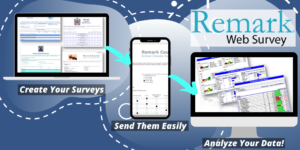

Remark Test Grading takes the hassle out of grading with fast, accurate results and the ability to export your raw data to other applications.

2. To export the raw test data, choose the desired file format from the Export Data As drop-down menu.

3. To export the grades to a gradebook application, choose the desired file format from the Export Gradebook As drop-down menu.

4. Click the Download Data button to download a copy of the file.
5. Click the Email button to email a copy of the file to yourself.
Remark Product Support can be reached Monday – Friday (except for major holidays) from 9AM – 6PM Eastern time at 610-647-8595 or by email at [email protected].
Looking for even more integration with your LMS? Contact us today to learn about our LMS Connectors for Blackboard, Canvas, D2L Brightspace, FACTS, Moodle, ClassLink and Google Classroom!
Remark Support
Support Request
Email
Call +1.610.647.8595
Chat
Knowledgebase
Share This
What Now?